Samsung Tab A FRP Unlock Tool
If your Samsung Tab A is stuck on the Google account verification screen, it means the device has been factory reset or formatted; this situation involves FRP. FRP stands for Factory Reset Protection. There are two ways to remove it: the first and best method is to log in using the original email ID and password, and the second method involves using a software tool.
Why does FRP activate on the Samsung Tab A?
Here, we will explore why FRP activates on the Samsung Tab A and how to avoid it. FRP (Factory Reset Protection) is a security feature. Whenever the device is formatted or factory reset, it locks itself to the email ID previously associated with it. The device will only fully unlock once you enter that original email ID and password.
To avoid this issue, always keep your email ID and password safe so you can use them when needed. Additionally, remove all email accounts from your device before performing a factory reset or format. Following these steps can help you avoid the FRP lock.
Free tools for removing FRP
Here are two tools that can bypass the FRP lock very quickly.
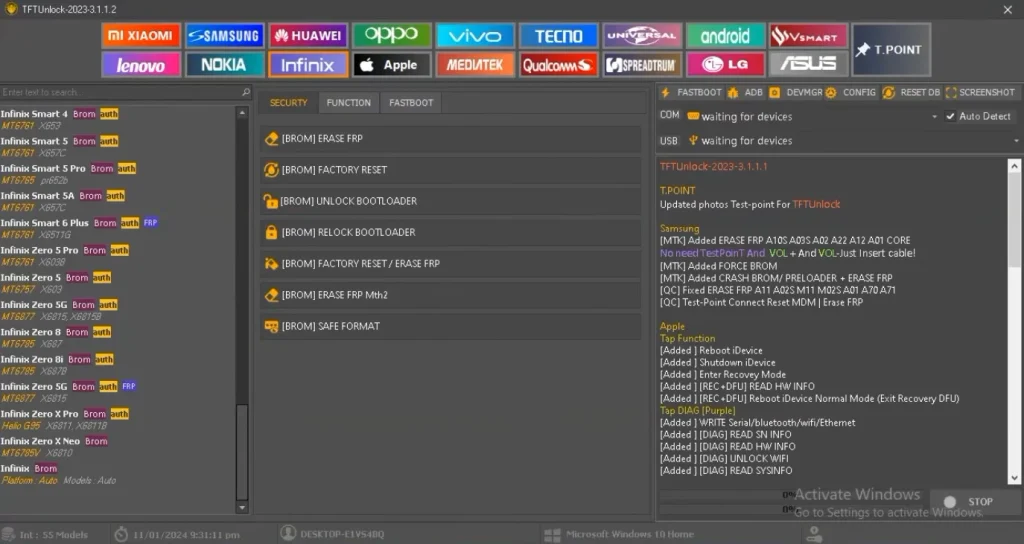
TFT Tool is a fast-processing, free tool; you can download and use it for free from its official website. Easy Samsung FRP Tool works exclusively with Samsung devices.
Post Comment